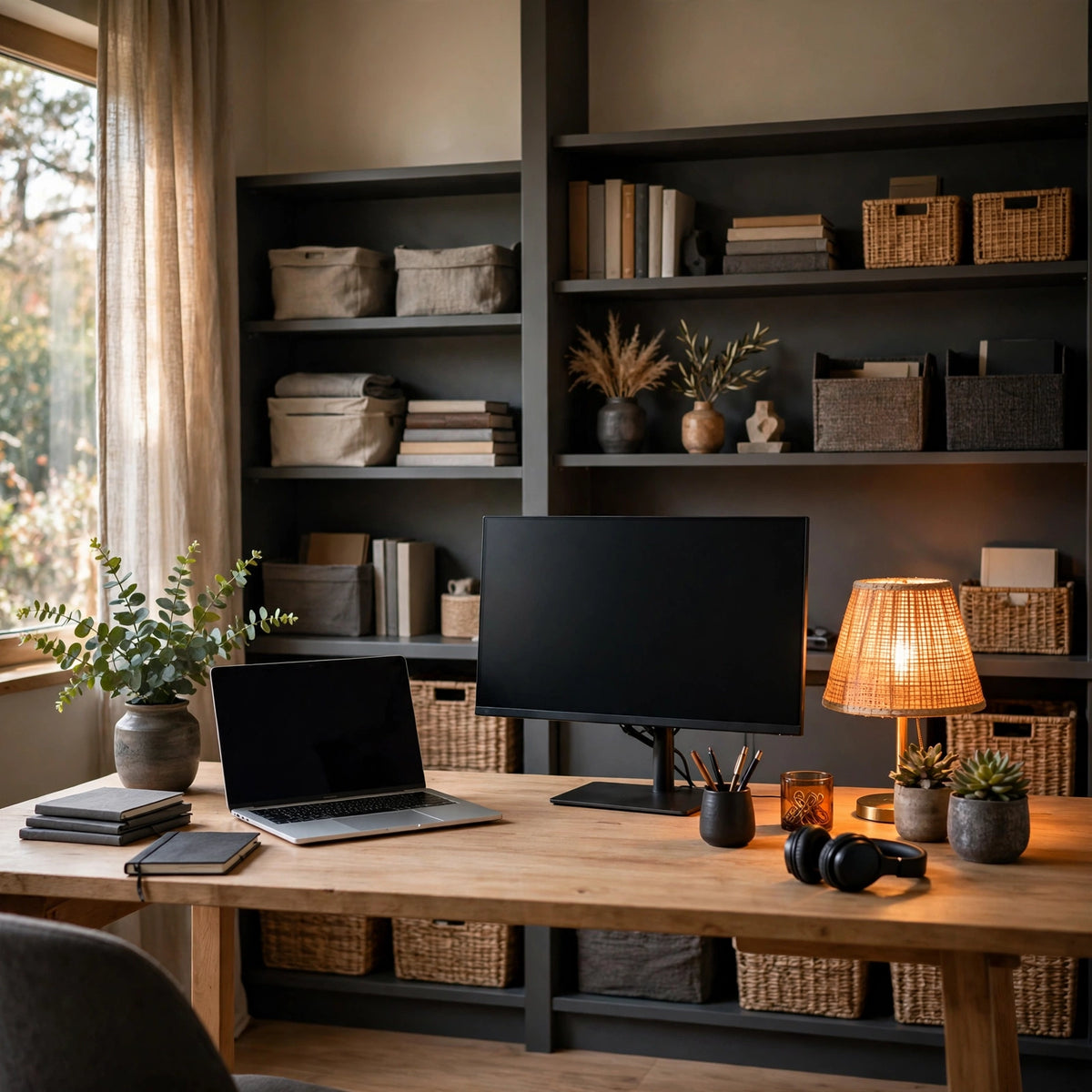
Home Office Setup, Professional / Dual-Monitor
Home Office Setup, Professional / Dual-Monitor
Couldn't load pickup availability
My event calendar
How it works
How it works
1. Pick your time. Choose a date and time on the calendar and complete checkout - your session is reserved the moment you book.
2. Check your email. Your confirmation arrives with the session details and a calendar invite, so it is on your schedule too.
3. We meet. At your time we sit down together - by video call, or in person in the Greater Philadelphia area where your service calls for it - and go through everything at your pace.
4. You leave with a plan. Clear next steps in plain language, what each one costs, and zero pressure to book anything else.
What to have ready
What to have ready
Have your device nearby and powered on, chargers handy, and any sign-ins you might need within reach. A short list of what has been bugging you helps us use the time well - and if you are not sure where to start, that is exactly what the session is for.
Rescheduling and cancellations
Rescheduling and cancellations
Life happens. Reply to your confirmation email at least 12 hours before your session and we will move it to a better time at no charge. If we ever have to reschedule, we will tell you right away and offer you the next openings first.
Paid Tech Concierge service, separate from the free Shift Cabin Concierge call included with FleetShield dash cams.
A proper setup for your dual-monitor home office: device configuration and organization.
- Displays and workflow configuration
- Signature cable management where applicable
- Your home office works as hard as you do
- On-site: Greater Philadelphia and nearby South Jersey; remote anywhere
Pick your date and time on the calendar and check out - your session is reserved instantly.
Out of scope: hardware, displays, and licenses, not included.
Share